LuckyHills Australia Guide
LuckyHills Mobile Casino and App Status
 Available in US
LuckyHills is usable through mobile web browsers. No operator-linked native LuckyHills app is established for either the Apple App Store or Google Play, so readers should not assume that an iOS app, Android app or third-party APK belongs to the casino. The practical starting point is luckyhills.com in a modern mobile browser.
Browser access, a Progressive Web App shortcut and a native store app are three different things. A browser session runs the website directly, a PWA-style shortcut can make a website feel more app-like, and a native app is distributed through an app store under a developer account. LuckyHills mobile-browser access is established; native app status is not.
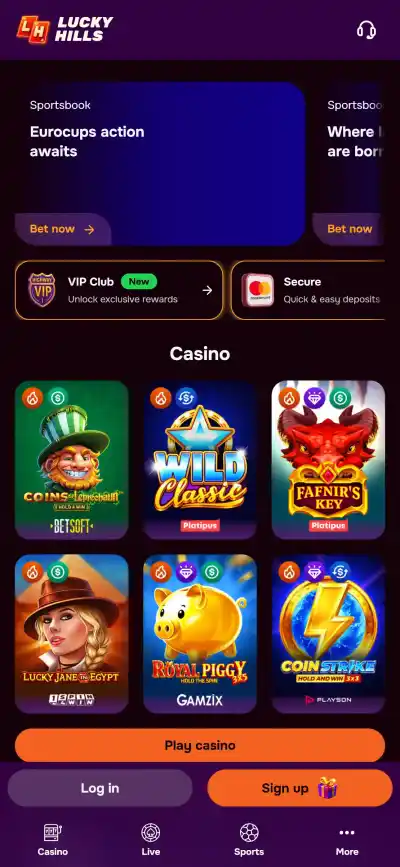
Table of Contents
- Mobile access: use the website in a browser
- Browser, PWA and native app are not interchangeable
- What the current app-store search does and does not prove
- How to check a LuckyHills mobile session safely
- What to evaluate on a phone without pretending to have lab data
- Mobile features that are not established
- Australian access is a separate question
- Mobile decision checklist
- If the site offers an install prompt, verify what you are installing
- Mobile access and app status
Mobile access: use the website in a browser
LuckyHills can be used from mobile devices through web-browser access. A phone or tablet does not need a native app to reach the casino website. The official domain is luckyhills.com.
Mobile-browser access does not guarantee identical behaviour on every phone. Screen size, browser version, operating system, network quality and the game provider can affect layout and performance, so features such as landscape behaviour, loading speed and full interface parity should be judged on the device actually being used.
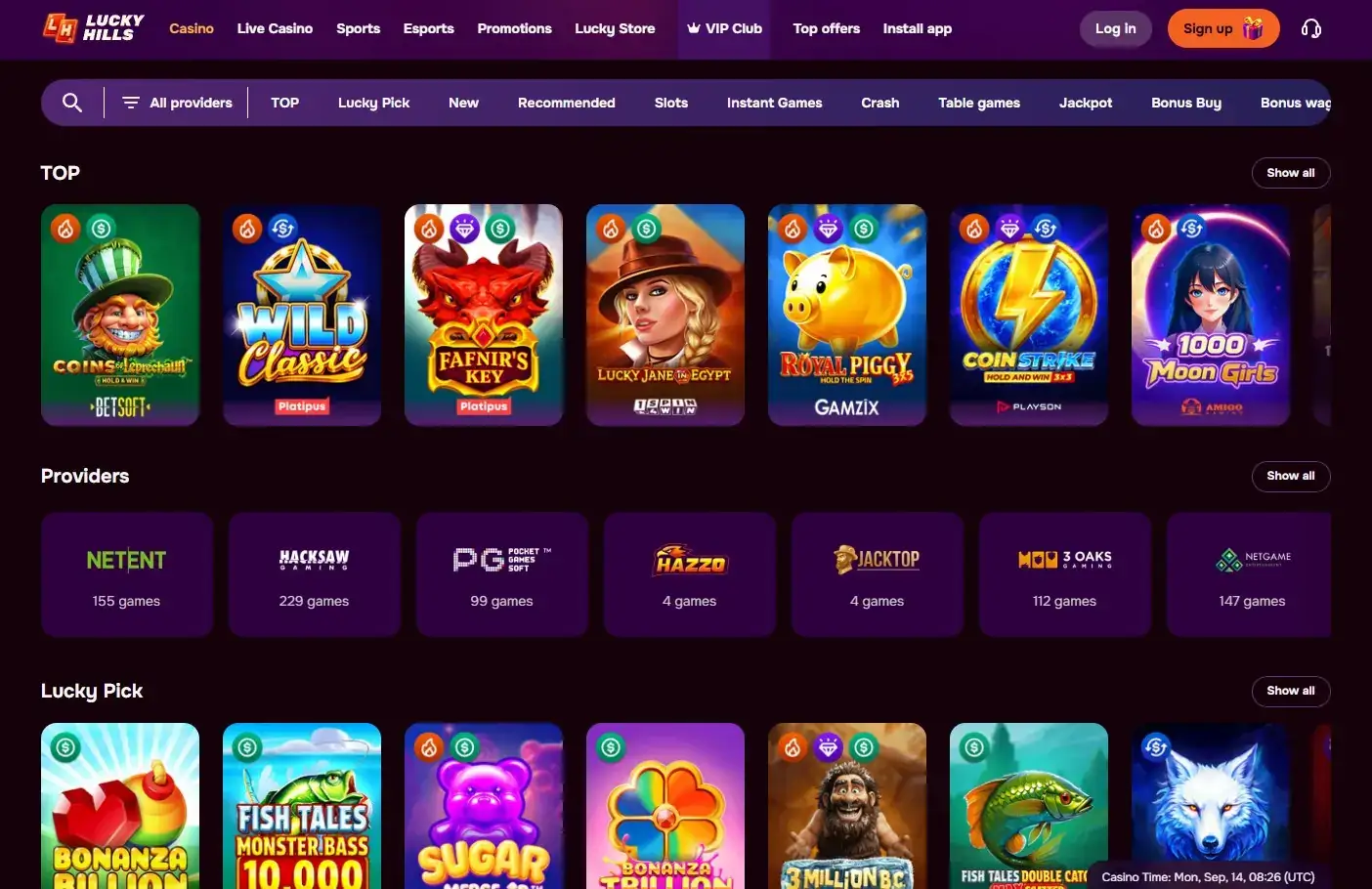
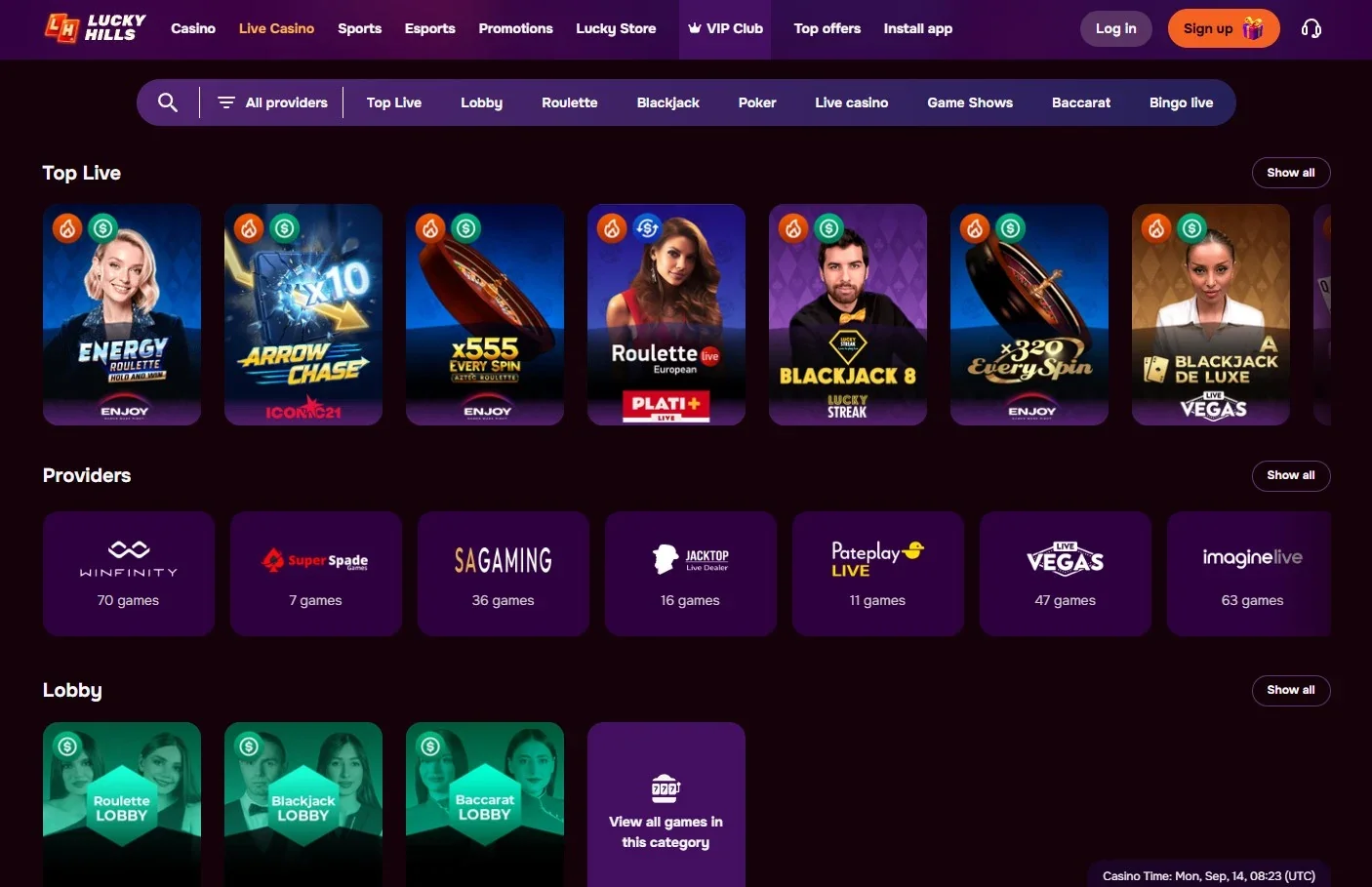
For readers comparing content rather than interface details, the separate LuckyHills games guide covers the broader catalogue and provider mix. The live casino on mobile link is more useful when the question is whether live dealer content exists, rather than whether a particular phone can render every table perfectly.
Browser, PWA and native app are not interchangeable
Mobile casino search results often use the word “app” loosely. Before installing anything, identify which of these three formats is actually being discussed:
| Format | What it means | LuckyHills status |
|---|---|---|
| Mobile website | The casino opens in Safari, Chrome or another browser and adapts to a smaller screen. | Available through mobile web browsers. |
| PWA or home-screen shortcut | A website can be saved to the home screen and may open in a more app-like window, while still being web technology. | A PWA is not established as an official LuckyHills feature. |
| Native iOS or Android app | Software distributed through an app store and tied to a developer or publisher account. | No operator-linked App Store or Google Play listing is established for LuckyHills. |
The distinction matters because a browser shortcut can look and feel like an installed app without being a native app. It also matters for security. A page that calls a downloadable file the “LuckyHills Android app” is making a stronger claim than a page that simply explains how to save a website shortcut.
What the current app-store search does and does not prove
No operator-linked native LuckyHills listing is established in the Apple App Store or Google Play. A similarly named store listing with unrelated developer and support details should not be treated as the casino’s official app merely because the name matches.
A native app should be treated as official only when the store listing has a clear connection to LuckyHills, its operator or luckyhills.com. A listing that merely uses the LuckyHills name is not enough to establish that connection, and an unrelated listing should not be treated as the casino’s app.
The same caution applies to APK download pages. Installing an APK outside Google Play removes familiar store-level signals, so third-party LuckyHills APK links are not recommended. Mobile browser access already provides a direct route through luckyhills.com without introducing an additional download source.
How to check a LuckyHills mobile session safely
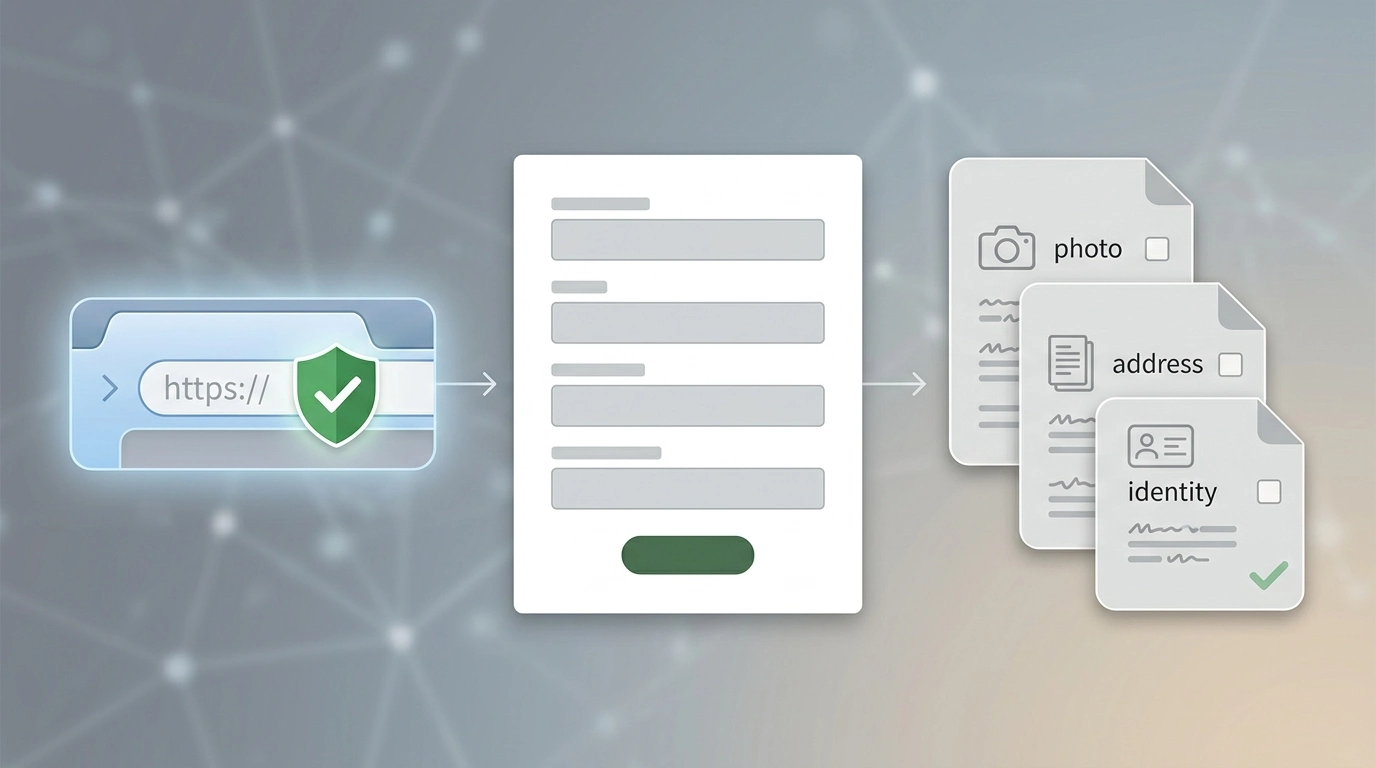
A useful mobile check is short: open luckyhills.com, inspect the hostname, confirm that navigation and the required game category work on the device, and avoid treating an unrelated store listing or download page as official simply because it uses the brand name.
- Start from the official domain. Type luckyhills.com directly or use a saved bookmark rather than choosing a near-match search result.
- Check the address bar before logging in. Small spelling changes are easy to overlook on a narrow screen.
- Use the browser before looking for downloads. Mobile-browser access is the established LuckyHills route.
- Do not treat a home-screen icon as proof of a native app. Browsers can create shortcuts and PWA-style launch icons.
- Do not install an APK merely because it uses LuckyHills branding. No official LuckyHills APK distribution route is established.
- Keep account questions separate. Login, registration and verification belong to the mobile login and account guide.
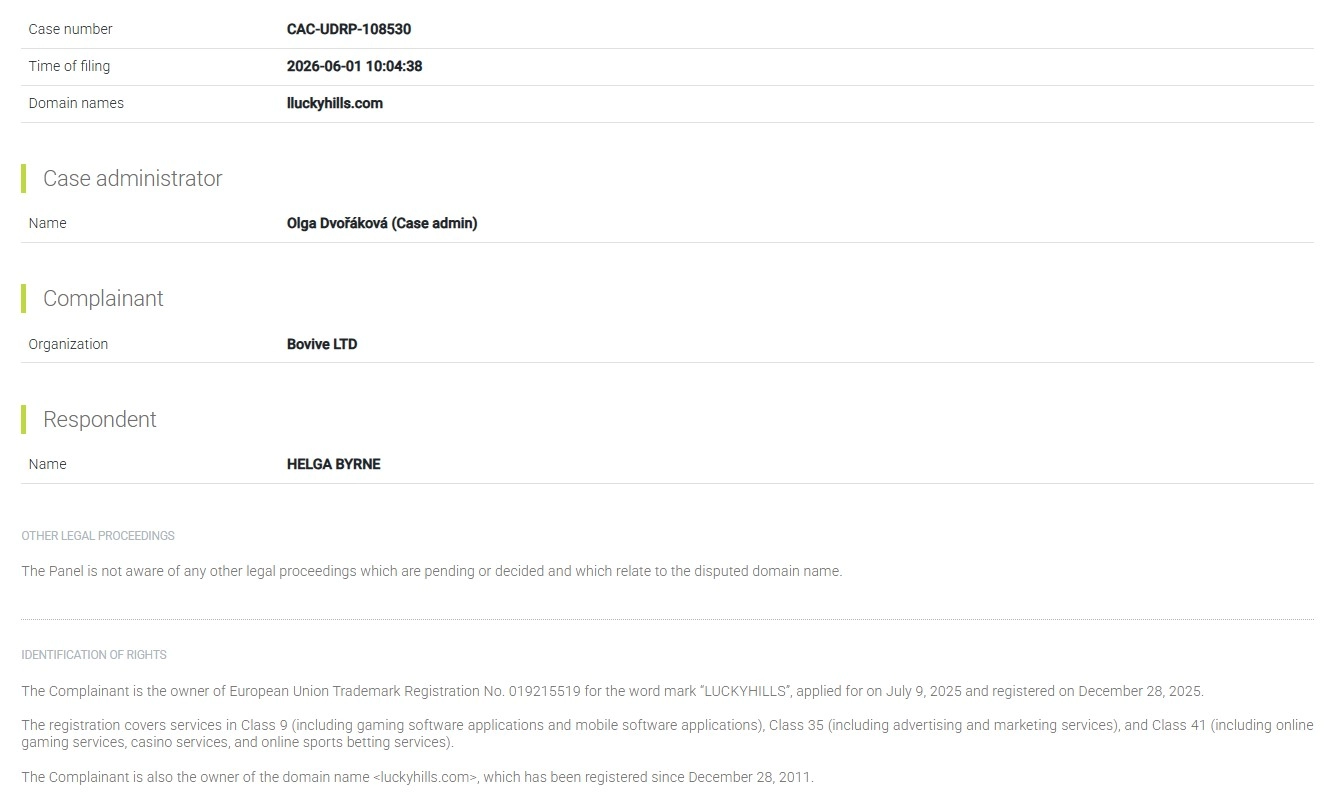
Domain checking deserves special attention with this brand. A 2026 UDRP decision concerned the near-match domain lluckyhills.com and ordered it transferred. The official LuckyHills site page explains the domain issue and practical hostname checks in more detail.
What to evaluate on a phone without pretending to have lab data
A review can still be useful without claiming measurements it never took. On a phone, the most important questions are functional and observable:
Navigation
Can you move between the lobby, account area, cashier and support without controls being hidden behind overlapping menus?
Game discovery
Can you browse and search the casino catalogue without excessive scrolling or accidental taps? Mobile-browser access is available, while exact device-specific performance can vary.
Live casino usability
Live dealer tables can place more pressure on screen space, video bandwidth and controls than ordinary slots. Check the table view on the device you actually use rather than assuming desktop and mobile layouts are identical.
Account access
Check whether login, profile and verification areas remain readable and whether the browser makes it clear which domain is open.
Cashier visibility
Payment options can be account-specific. A mobile page should show the current cashier clearly, but mobile access does not prove that a particular Australian payment method or AUD account option is available.
Support access
If a session fails, it is useful to know where support is located before money or identity checks are involved. The account guide covers LuckyHills live chat and email support.
Mobile features that are not established
Biometric login, push notifications, app-exclusive bonuses, offline functions, an app-store update channel and identical performance across iOS and Android are not confirmed LuckyHills features. Treat them as available only when an operator-linked app or official product description states them.
The same caution applies to precise compatibility statements such as a minimum iOS version, minimum Android version, required storage size or supported device list. Treat third-party specifications as unofficial unless they can be tied to the operator or an official product listing.
Mobile-browser access remains the clear route even though native-app features are unresolved. Browser use does not require those additional app claims.
Australian access is a separate question
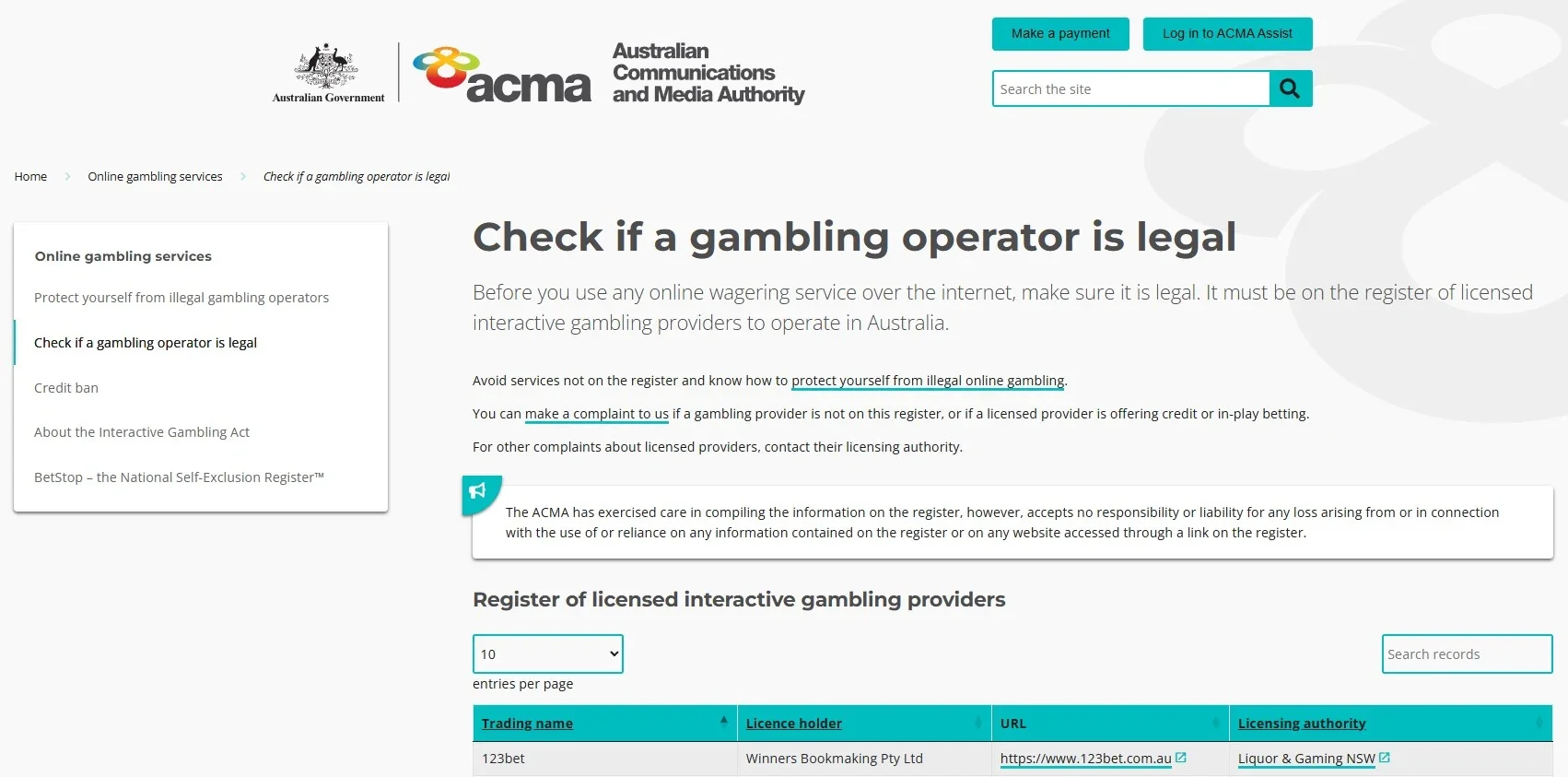
Being able to open the mobile website and being eligible for Australian registration are different questions. Australian general-account access remains unresolved, so mobile-browser usability should not be read as proof of Australian registration eligibility, local licensing or a particular cashier setup.
Australian regulation and mobile usability answer different questions. Mobile-browser access can be assessed independently, while Australian licensing and account-access questions should be checked against the current regulatory and registration information.
Mobile decision checklist
| Question | Current answer | Best action |
|---|---|---|
| Can LuckyHills be used on a phone? | Yes, LuckyHills supports mobile-browser access. | Open the official domain in a current browser. |
| Is there an official native iPhone app? | No operator-linked App Store listing is established. | Do not assume a similarly named listing is official. |
| Is there an official native Android app? | No operator-linked Google Play listing is established. | Use browser access unless operator linkage is established. |
| Should I download an APK? | No official LuckyHills APK route is established. | Avoid third-party download instructions. |
| Does mobile access prove Australian account eligibility? | No. | Keep the access and regulatory question separate. |
If the site offers an install prompt, verify what you are installing
A browser can offer an “Add to Home Screen” or install-style control for a website without creating a native store app. If such a prompt appears on luckyhills.com, confirm that the browser still shows the official hostname. An icon, full-screen launch mode or app-like navigation is not proof of an App Store or Google Play release.
Browser access is already sufficient for the main LuckyHills mobile route. An additional installation step should only be used when its origin and purpose are clear. If a separate file download, unfamiliar domain or unrelated developer identity appears, return to browser access instead of trying to make the download fit the brand name.
Mobile access and app status
LuckyHills works through mobile web browsers, which is enough for access to the casino without a native-app claim. The main mobile questions are whether the navigation is comfortable on the device, whether the preferred games fit the screen, and whether login, payment and support controls remain usable.
No operator-linked native iOS or Android app is currently confirmed for LuckyHills. Treat third-party app or APK pages cautiously, keep the hostname check centred on luckyhills.com, and use the browser route when an app listing cannot be tied to the operator or official domain.
For everyday use, the browser route keeps the casino tied to luckyhills.com without requiring a separate download.
A mobile browser also keeps account activity on the same luckyhills.com hostname used on desktop. That makes the address easier to compare before login, payment or identity-check steps and avoids relying on a separate installer whose connection to the casino may be unclear.
For live casino use on a phone, also make sure the video, betting controls and table information remain readable before choosing a table.
For the broader context, see the LuckyHills review.
Prepared by the Lucky Hills Casino editorial staff.